Yi 1.5 on Apple M2 Pro · 32GB
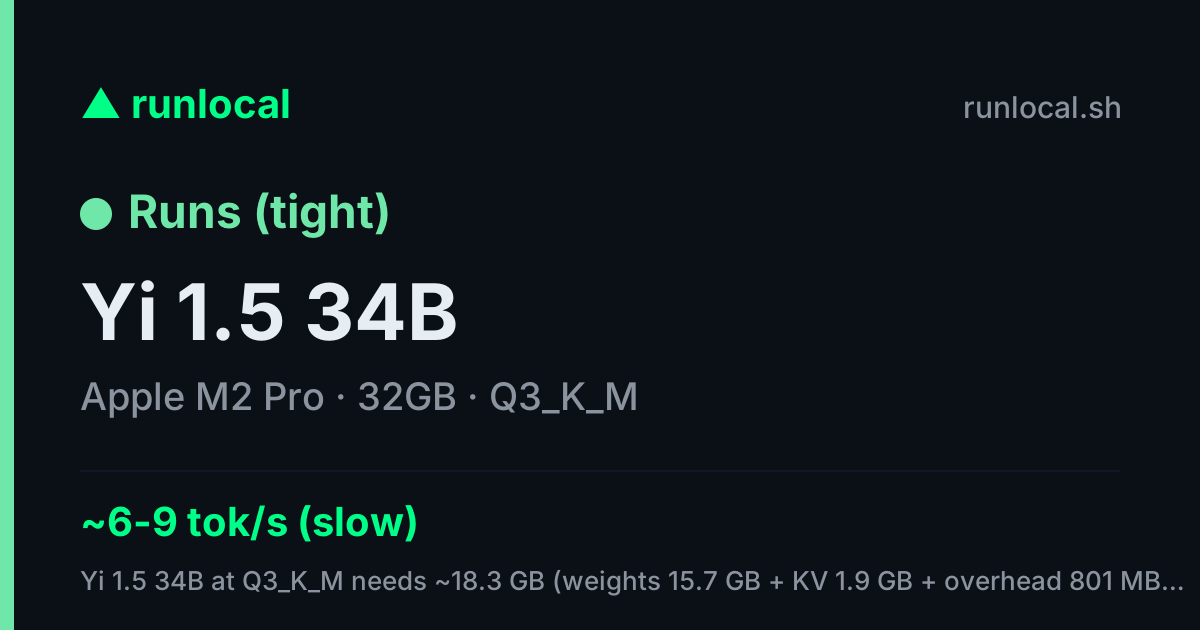
✅ Runs (tight) — Yi 1.5 34B @ Q3_K_M
Yi 1.5 34B at Q3_K_M needs ~18.3 GB (weights 15.7 GB + KV 1.9 GB + overhead 801 MB @ 8K ctx) of your 18.4 GB usable (of 32.0 GB unified memory) — fits, but little headroom — close other apps or trim context. Expect ~6–11 tok/s (usable).
context @ Q3_K_M: runs to its full 32K
| quant | needs | speed |
|---|---|---|
| ✗ Q8_0 | 37.6 GB | — |
| ~ Q5_K_M | 25.8 GB | ~0.6–0.9 tok/s (slow) |
| ~ Q4_K_M | 22.3 GB | ~0.6–1 tok/s (slow) |
| ✓ Q3_K_M | 18.3 GB | ~6–11 tok/s (usable) |
$runlocal install yi:34b

for your own README — links back here
Same model, other machines: Apple M1 · Apple M1 Pro · Apple M2 · Apple M3 Pro · Apple M4 Pro · Apple M3 Max
Also runs on a Apple M2 Pro: DeepSeek-R1 (distill) · Qwen2.5 · Qwen3 · Gemma 3 · Mistral Small 3
Best models for a Apple M2 Pro · 32GB →
Architecturally similar
These share Yi 1.5's KV-cache geometry — they size memory the same way, so here's how they fit on a Apple M2 Pro · 32GB too:
| model | shares | verdict here |
|---|---|---|
| Llama 3.1 | 8kv/128hd | ✅ Runs comfortably |
| Qwen2.5-Coder | 4kv/128hd8kv/128hd | ✅ Runs (tight) |
| Llama 3.2 | 8kv/128hd | ✅ Runs comfortably |
| Llama 3.3 | 8kv/128hd | 🐢 CPU-only (slow) |
| Mistral 7B | 8kv/128hd | ✅ Runs comfortably |
| Mistral Nemo | 8kv/128hd | ✅ Runs comfortably |
| Codestral | 8kv/128hd | ✅ Runs (tight) |
| Llama 3.2 Vision | 8kv/128hd | ✅ Runs comfortably |
…and 12 more — see the Yi 1.5 page.
Check any combo yourself: open the checker →